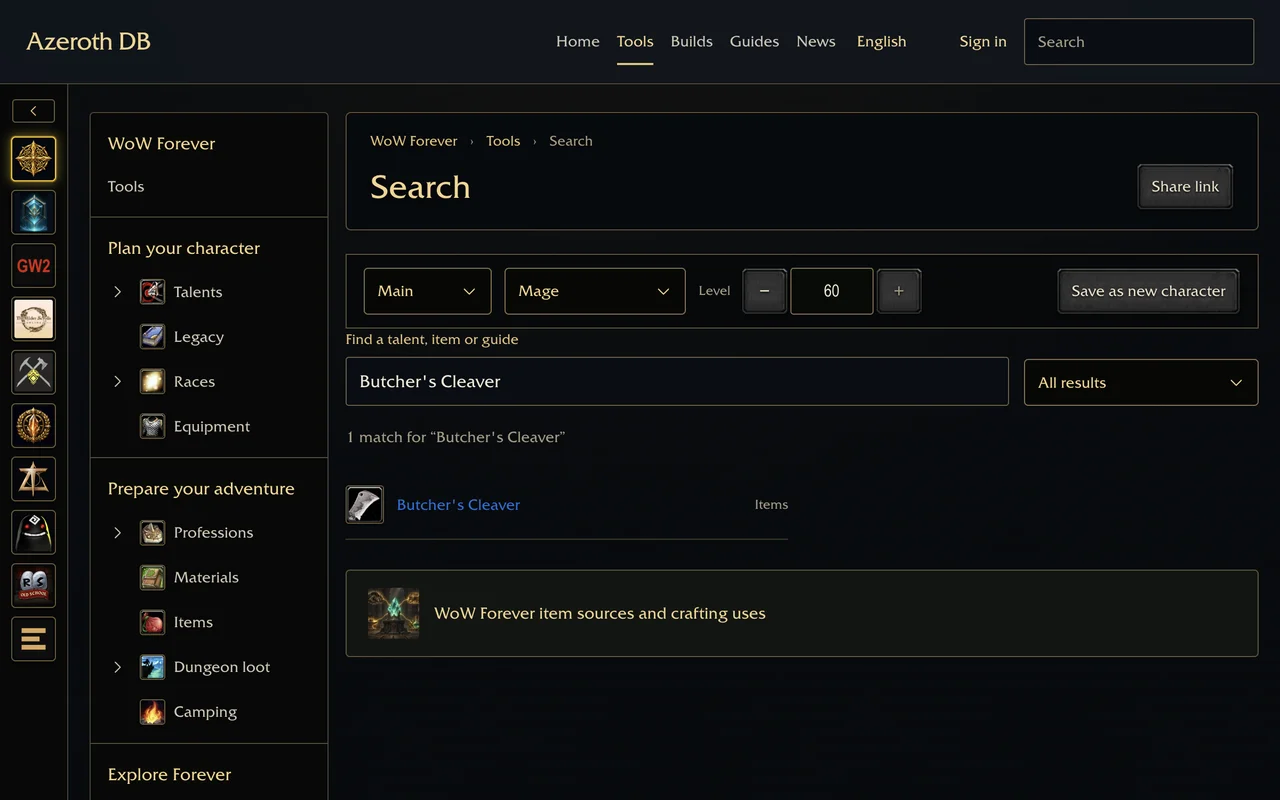
wowdb.wiki browser extension
Search the WoW Forever database on wowdb.wiki without leaving the page you are on. Type wow, a space and the name of an item, talent, spell, recipe, quest, dungeon or zone in the address bar; suggestions come from wowdb.wiki's own search index. Or select a name on any page, right-click and choose Look up on wowdb.wiki.
Install
Download the zip from the latest release and unpack it. In Chrome open chrome://extensions, turn on Developer mode, choose Load unpacked and select the unpacked folder.
What it uses
The extension reads wowdb.wiki's public search index once a day and keeps the names on your computer for suggestions. It asks for the right-click menu, local storage and access to wowdb.wiki only, and it sends nothing about you.
The texts follow your browser's language in English, German, Spanish, French, Brazilian Portuguese, Russian, Korean and Chinese.